Freespace 2
9.1
Flight
October 1, 1999
2-12 Players
Online Co-op
Available on:
WIN
Co-op support by platform
Compare the recorded player limits and release dates for Freespace 2. Support can differ by edition; check the linked sources before buying.
| Platforms | Release | Online players | Local players | Combo players |
|---|---|---|---|---|
| WIN | October 1, 1999 | 12 | Not recorded | Not recorded |
Sources and further information
About Freespace 2
Addressing install issuesSome users report an error when trying to launch the game.
We are working on a fix, but you may be able to resolve the issue right now by following these steps:
1. Open the folder where Freespace 2 is installed (usually "C:\Program Files (x86)\Steam\steamapps\common\Freespace 2\data")
2. Open the "Registry" folder. If there is no Registry folder open the "Data" folder
3. Double-click the file "FS2.reg"
4. Click the "Yes" button to make a system change
5. Click the "Yes" button to confirm
6. Click the "OK" button when Reg Edit says it's done
7. Launch Freespace 2 from your Steam library
Depending on your system settings, you may need to temporarily lower your UAC (User Access Control) settings or disable your anti-virus to make the change. Then re-enable UAC and/or your anti-virus software. We apologize for any inconvenience.
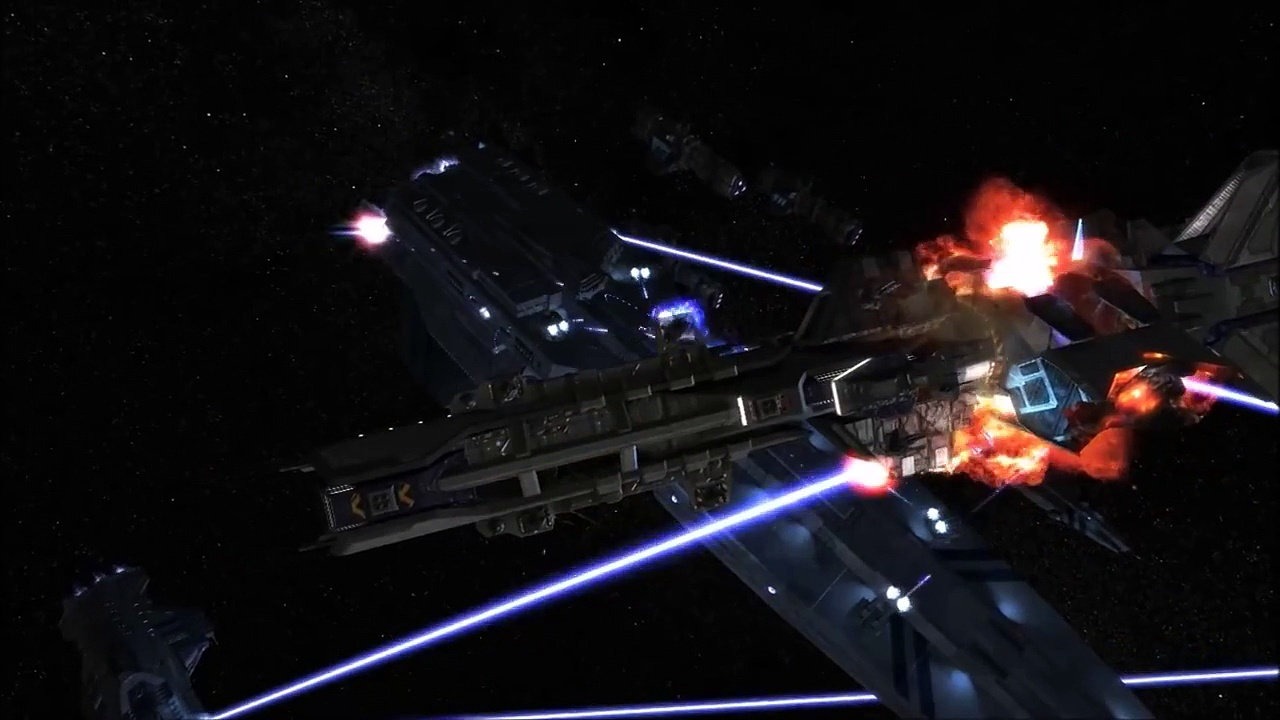
About the GameThe year is 2367, thirty two years after the Great War. Or at least that is what YOU thought was the Great War. The endless line of Shivan capital ships, bombers and fighters with super advanced technology was nearly overwhelming.
As the Terran and Vasudan races finish rebuilding their decimated societies, a disturbance lurks in the not-so-far reaches of the Gamma Draconis system.
Your nemeses have arrived... and they are wondering what happened to their scouting party.
We are working on a fix, but you may be able to resolve the issue right now by following these steps:
1. Open the folder where Freespace 2 is installed (usually "C:\Program Files (x86)\Steam\steamapps\common\Freespace 2\data")
2. Open the "Registry" folder. If there is no Registry folder open the "Data" folder
3. Double-click the file "FS2.reg"
4. Click the "Yes" button to make a system change
5. Click the "Yes" button to confirm
6. Click the "OK" button when Reg Edit says it's done
7. Launch Freespace 2 from your Steam library
Depending on your system settings, you may need to temporarily lower your UAC (User Access Control) settings or disable your anti-virus to make the change. Then re-enable UAC and/or your anti-virus software. We apologize for any inconvenience.
About the GameThe year is 2367, thirty two years after the Great War. Or at least that is what YOU thought was the Great War. The endless line of Shivan capital ships, bombers and fighters with super advanced technology was nearly overwhelming.
As the Terran and Vasudan races finish rebuilding their decimated societies, a disturbance lurks in the not-so-far reaches of the Gamma Draconis system.
Your nemeses have arrived... and they are wondering what happened to their scouting party.
Game Details
- Developer
- Volition
- Publisher
- Interplay Productions
- Co-op Features
- 12 Players in Co-OpSupports Online Co-OpSupports LAN or System-Link Play
- Average Playtime
- 1 hours
- ESRB Rating
- Teen