World Soccer Kid
Arcade
March 24, 2022
Player limits vary by edition — see table below
Local Co-op
Available on:
Nintendo Switch
PC
Co-op support by platform
Compare the recorded player limits and release dates for World Soccer Kid. Support can differ by edition; check the linked sources before buying.
| Platforms | Release | Online players | Local players | Combo players |
|---|---|---|---|---|
| Nintendo Switch | March 24, 2022 | Not recorded | 2 | Not recorded |
| PC | January 6, 2023 | Not recorded | 2 | Not recorded |
Sources and further information
About World Soccer Kid
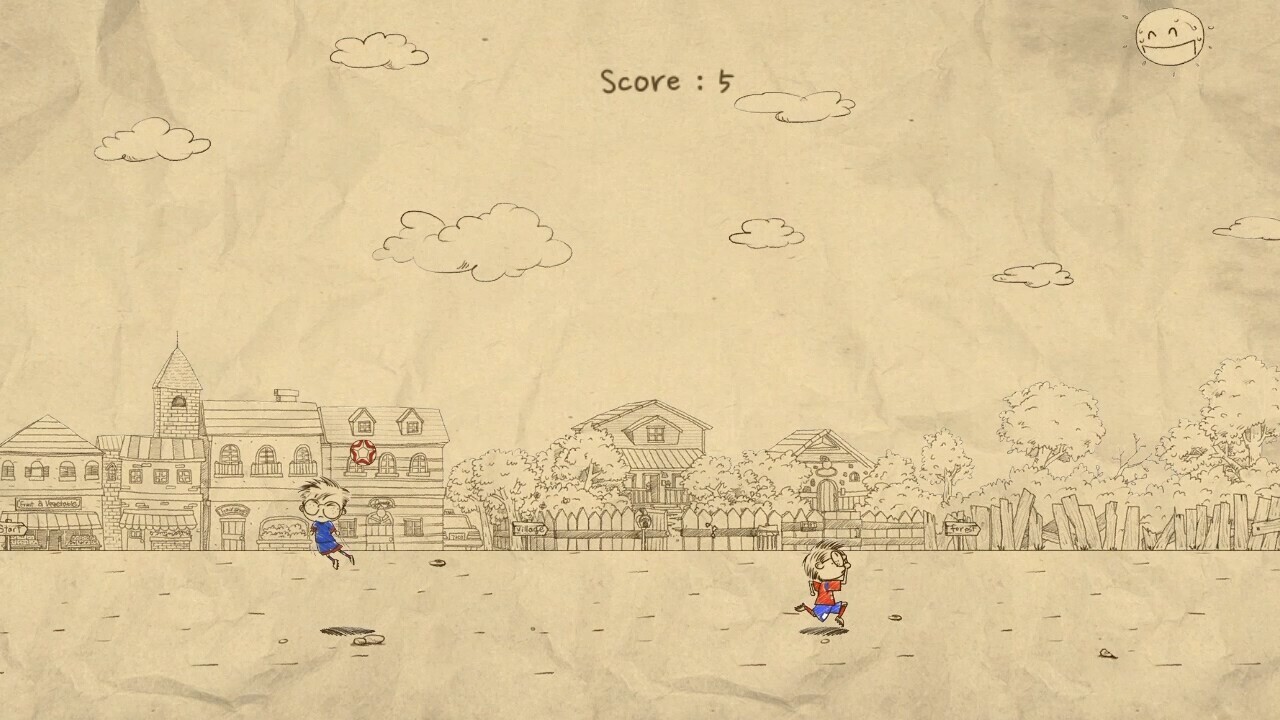
The rules of World Soccer Kid are very simple.
Move Soccer Kid to juggle the ball with your head.
But the further from the center of the head the ball hits, the further the ball moves, making it hard to juggle.
There are 4 modes that use these simple rules.
Basic Mode where the number of juggles is recorded, Running Mode where the distance moved while juggling is recorded, Two-Player Mode where you compete against an opponent to juggle the ball the longest, and Two-Player Coop Mode where you work together to record how many times you can juggle the ball.
Practice hard and try to become the best Soccer Kid in the world!
When playing local multiplayer
(Game Pad)
Player 1 : A button - Change direction, B button - Jump
Player 2 : A button - Change direction, B button - Jump
(Keyboard)
Player 1 : S - Change direction W or A or D - Jump
Player 1 : K - Change direction I or J or L - Jump
Move Soccer Kid to juggle the ball with your head.
But the further from the center of the head the ball hits, the further the ball moves, making it hard to juggle.
There are 4 modes that use these simple rules.
Basic Mode where the number of juggles is recorded, Running Mode where the distance moved while juggling is recorded, Two-Player Mode where you compete against an opponent to juggle the ball the longest, and Two-Player Coop Mode where you work together to record how many times you can juggle the ball.
Practice hard and try to become the best Soccer Kid in the world!
When playing local multiplayer
(Game Pad)
Player 1 : A button - Change direction, B button - Jump
Player 2 : A button - Change direction, B button - Jump
(Keyboard)
Player 1 : S - Change direction W or A or D - Jump
Player 1 : K - Change direction I or J or L - Jump
Game Details
- Developer
- Game Museum
- Publisher
- Game Museum 0